Ideal Age Gate
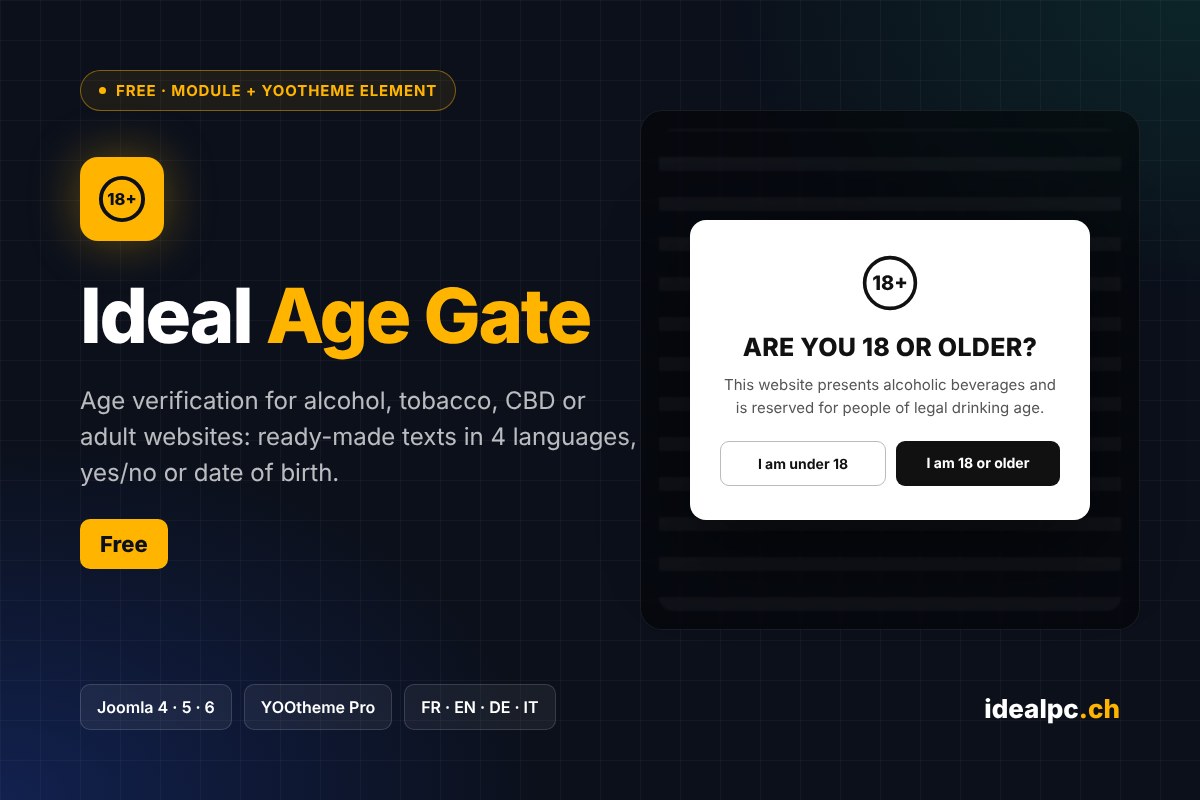
Age verification for alcohol, tobacco and vape, CBD, adult content or gambling websites, on Joomla and YOOtheme Pro.
Free
0.– order with your account, instant download in « My orders ».
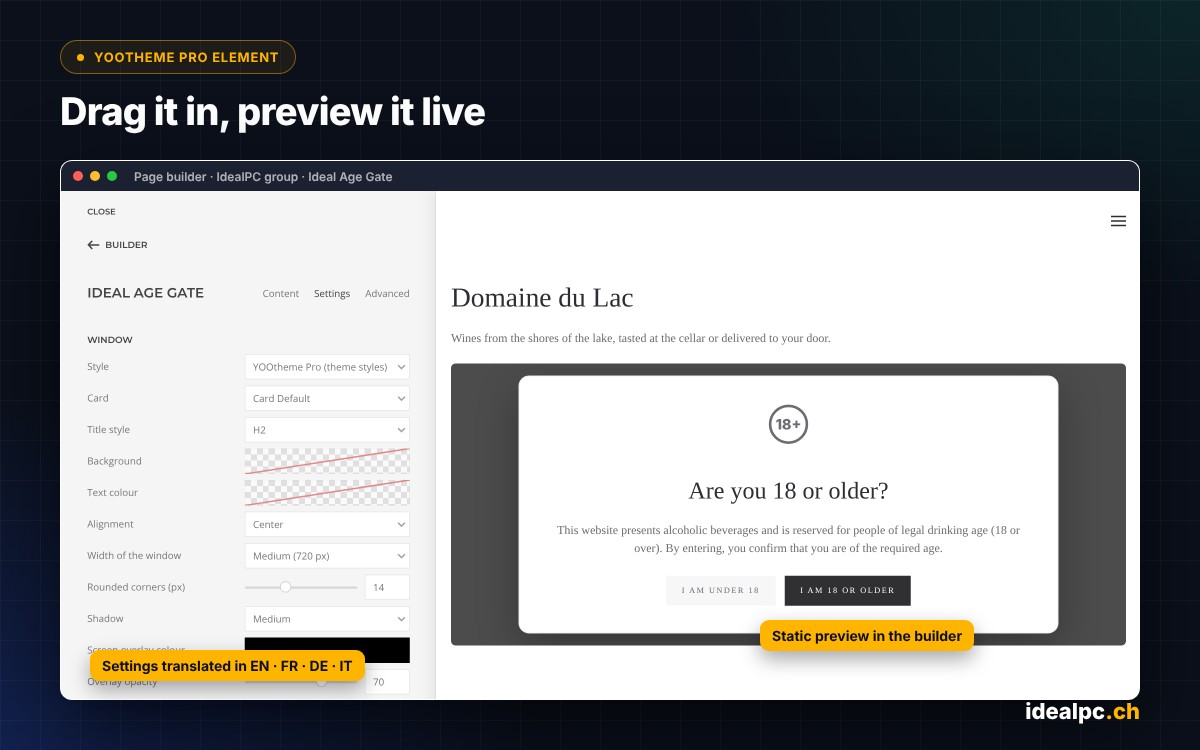
Ideal Age Gate shows a full-screen window asking visitors to confirm their age before entering the site. Texts are ready in English, French, German and Italian and follow the language of each page; the answer is remembered with a simple technical cookie.
A declaration of age, not an identity check. For online sales of alcohol or tobacco, add the check required by law at checkout or delivery.
What it does
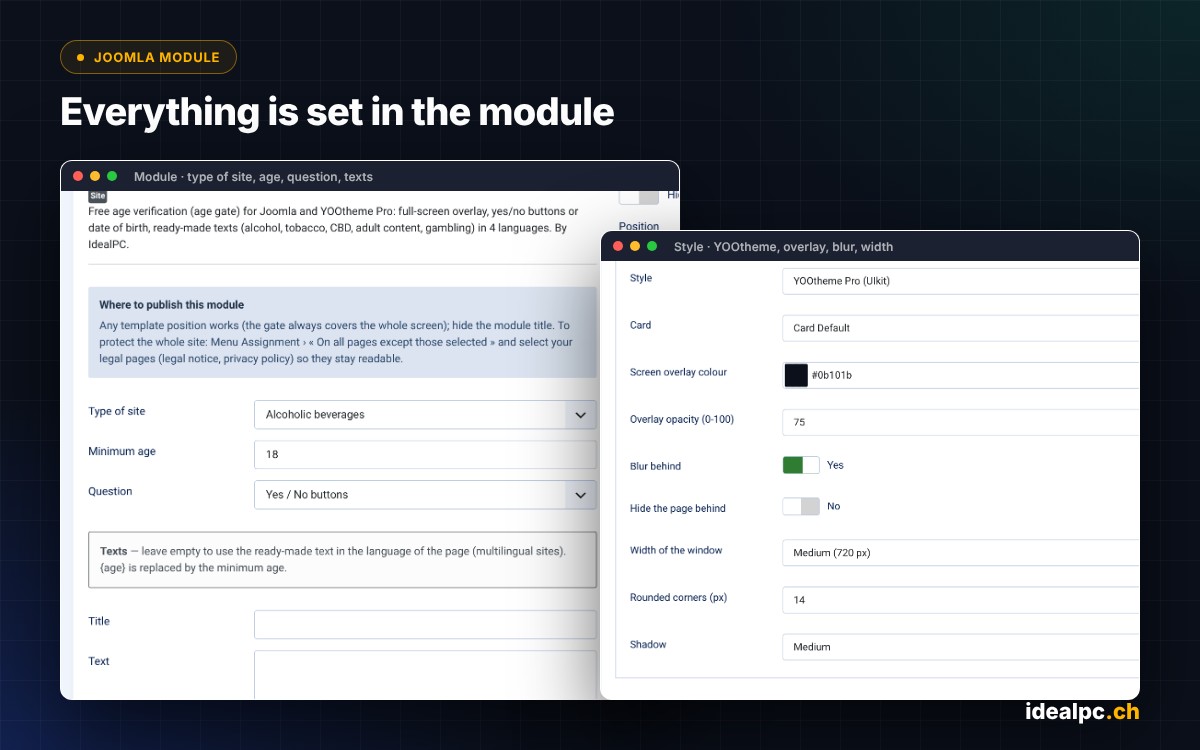
- Ready-made texts: generic, alcohol, tobacco and vape, CBD, adult content, gambling; adjustable minimum age (16, 18, 21…)
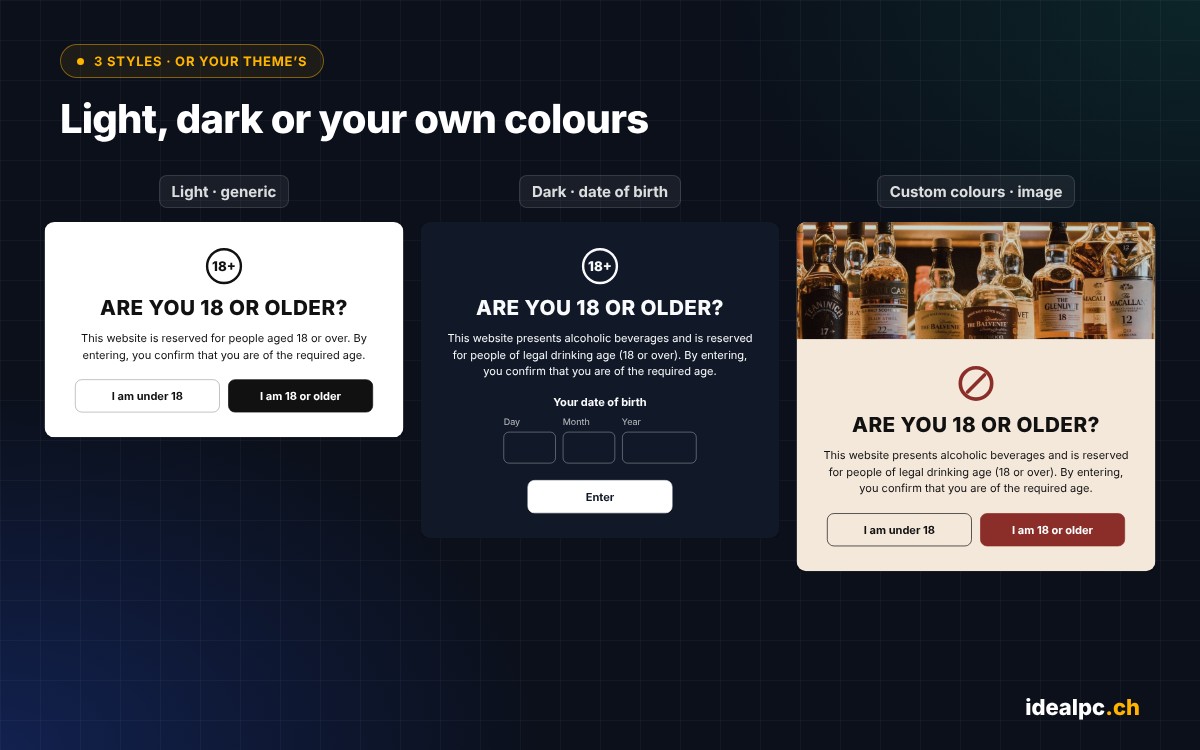
- Yes / No buttons or date of birth (the age is calculated in the browser, nothing is sent)
- Refusal: message with « Back » and « Leave the site », or redirection to a page
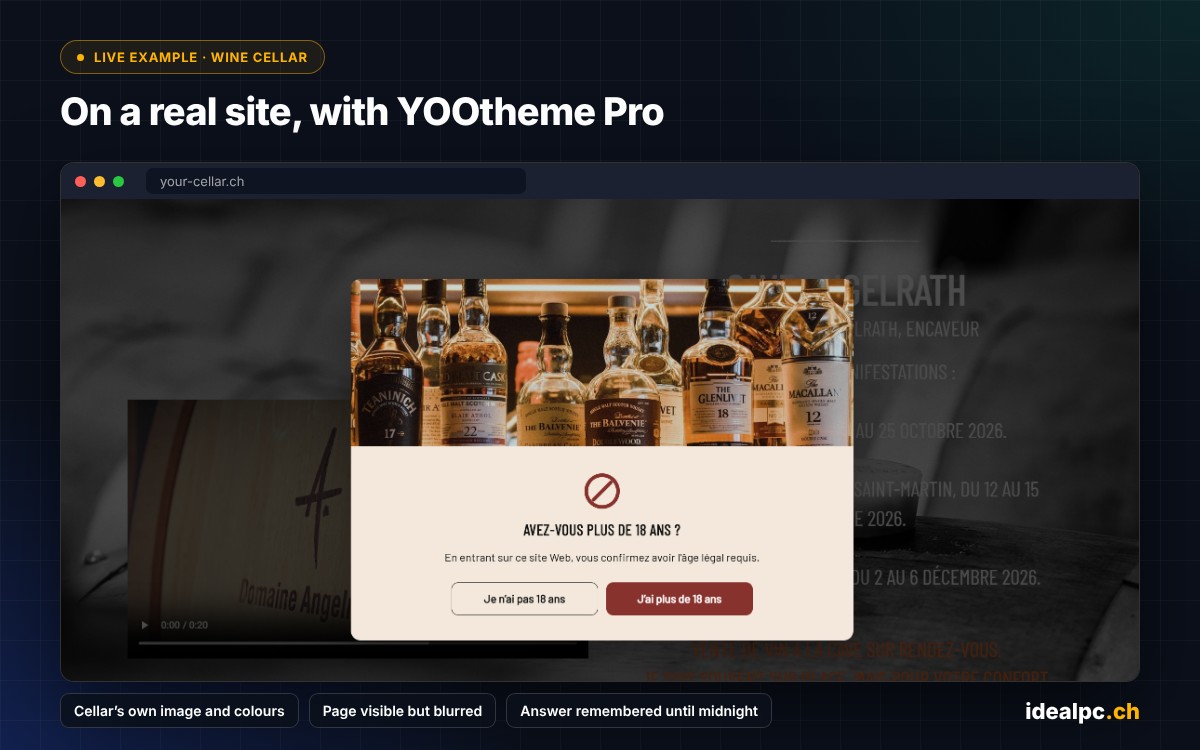
- Light, dark, YOOtheme Pro (your theme’s cards and buttons) or custom colours; « 18+ » icon, logo, image, blurred overlay
- Answer remembered until the browser is closed, until midnight, or for a few hours or days
- Classic Joomla module and YOOtheme Pro element (IdealPC group)
- Accessible (real dialog window, keyboard), works with page caching, no external script
Already using the former « Age Gate » module (mod_agegate)? Install Ideal Age Gate over it: every module is converted automatically, with the same position, pages and settings.
Screenshots
How to get it
- Click « Free download » and log in or create your customer account.
- Confirm the 0.– order (no payment).
- Download the ZIP from « My orders », then install it in Joomla (System › Install › Extensions).
- Updates then arrive automatically in Joomla, no key needed.